




AI-generated: a backpacker at an airport window at dusk looking over an Asian city skyline, seen from behindAI image

Travel guide

VPN for Travel in Asia: Who Needs One and Who Doesn't

Some countries block half your apps. Others just have terrible hotel WiFi. Here is how to tell which trip you are on, and what to do before the flight.

13 min readUpdated October 28, 2026

A Traveler's Journey Online

From departure to the flight home. Tap a station.

  1. Departure
  2. Arrival
  3. Wi-Fi
  4. Border & censorship
  5. Home contact
  6. Return

Chapters

Key takeaways

  • A VPN for travel in Asia solves two different problems: blocked apps (mainly mainland China) and unsafe public WiFi (everywhere). Know which one you have.
  • China is the one country where a VPN decides whether Google, WhatsApp and Instagram work at all, and nothing is guaranteed there. Install and test before you leave.
  • In most other countries, a VPN is a sensible extra for hotel, airport and cafe WiFi, not a magic key. Vietnam sits in between: Telegram was ordered blocked in 2025.
  • A roaming plan or an eSIM that routes through your home network is a legitimate alternative to a VPN in China. Plan A and plan B beat one tool.
  • Nothing here is legal advice. Rules and blocks change, so check the date on this page and the official travel advice for your destination.

Two problems that get sold as one

If you search for a VPN for travel in Asia you land on pages that promise everything: unblock Netflix, hide from hackers, save money on flights. Most of them are affiliate pages with the same five logos. This guide is narrower. It separates the two real reasons a traveller in Asia might want a VPN, because they lead to very different decisions.

Problem one is access. Some governments block foreign apps and websites. The big example is mainland China, where Google, WhatsApp, Instagram, Facebook, X and YouTube, among others, do not load on a normal local connection. A VPN, or a network path that avoids the local filter, is how travellers get them back. This problem is real, it is specific to a handful of places, and it has to be solved before you land.

Problem two is safety. Hotel lobbies, airport lounges, trains, cafes and coworking spaces all run shared WiFi, and you will use it a lot. A VPN encrypts the traffic between your device and the VPN provider, which makes it harder for the person on the same network to see or tamper with what you send. That problem exists in Bangkok, Tokyo, HΓ  Nα»™i and Frankfurt alike. It is smaller than the marketing says, because most sites already use HTTPS, but it is not imaginary. We go deeper in our guide to public WiFi security.

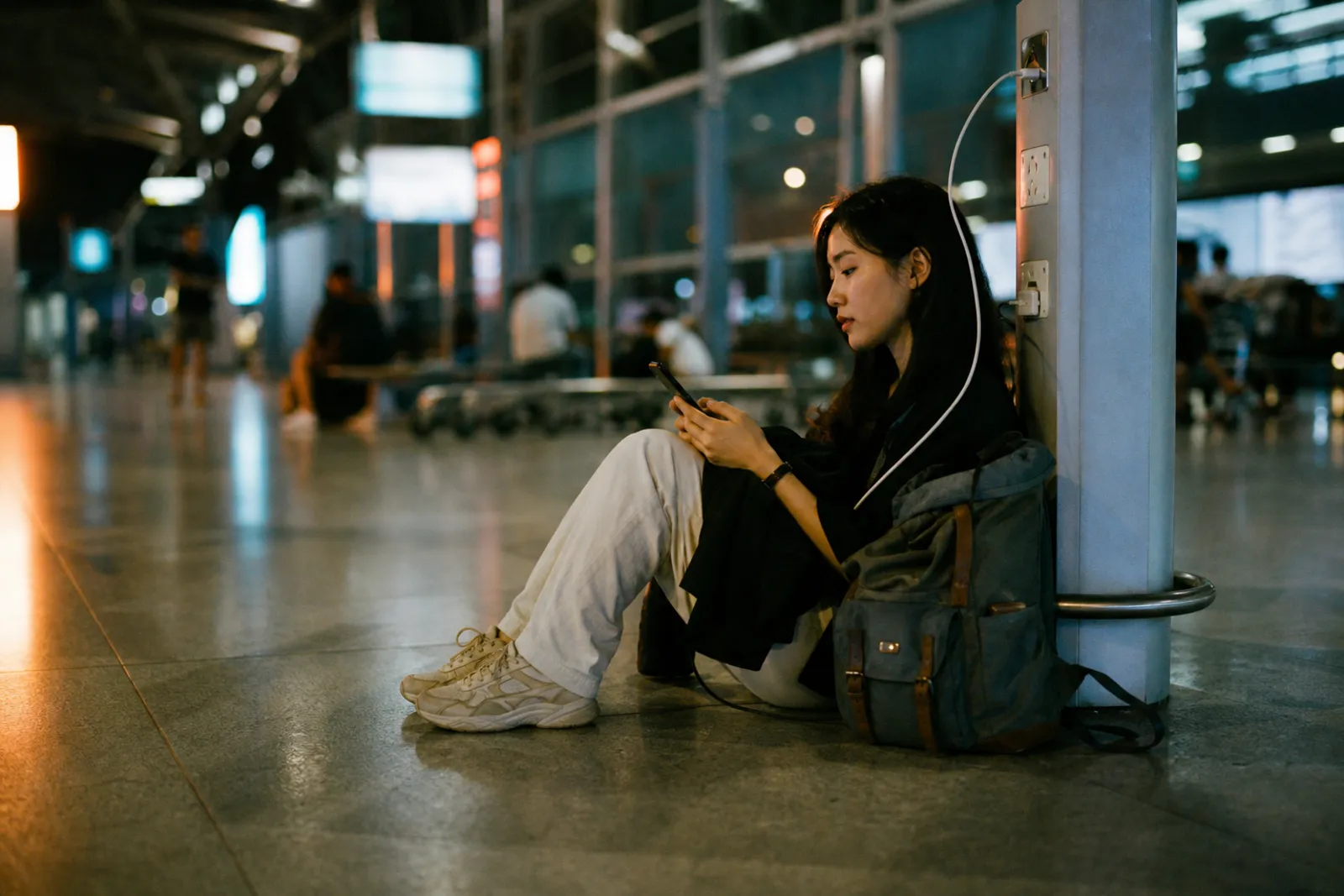
AI-generated: a young woman sitting on the floor of an airport departure hall at night, leaning against a charging column with her phoneAI image
Airport WiFi is the most common reason travellers reach for a VPN, and the least dramatic one.

This guide is written for two kinds of reader. The first is the international traveller doing a loop through Asia: Bangkok, Hanoi, Tokyo, Bali, perhaps a week in Shanghai for a conference. The second is the diaspora traveller, someone born or raised abroad whose parents, grandparents or cousins are in Vietnam, China, Korea or the Philippines, and who goes back for Tet, for a funeral, for a wedding, or for three months of working remotely from the family flat. The second reader has an extra need: staying reachable on the apps the family uses, and being able to reach their own accounts from abroad.

Here is the structure. We start with what a VPN actually does and does not do, then go through the countries that matter, then the family-and-home angle, then setup. If you only have five minutes, read the key takeaways above, the country table below, and the pre-flight checklist.

What a VPN does, and what it does not

A VPN is a tunnel. Your phone or laptop connects to a server run by the VPN provider, and from then on your traffic travels inside an encrypted connection to that server, which then talks to the rest of the internet for you. Two consequences follow, and everything else in this guide is built on them.

First, the local network, whether that is the hotel router or the national firewall, sees an encrypted connection to a VPN server instead of the sites you visit. That is why a VPN protects you on shared WiFi, and why it can get you around a filter that looks at where you are trying to go.

Second, the websites you visit see the VPN server's address, not yours. That is why a VPN can make you look like you are browsing from another country. It is also why it will not make you anonymous: you log into Google or your banking app with your real name, and the VPN provider itself can in principle see where your traffic is going. You are moving trust from the local network to the provider. Pick one you are comfortable with and keep expectations modest.

Comparison

QuestionVPN helps?Honest note
Using hotel or airport WiFiYes, somewhatMost sites use HTTPS already. The gain is against fake hotspots and sloppy apps.
Reaching Google, WhatsApp, Instagram in mainland ChinaSometimesNo VPN is guaranteed to work in China. Alternatives exist, see below.
Reading your home streaming library abroadSometimesStreaming services actively block VPN servers and their terms may forbid it.
Getting a better price on flights or hotelsRarelyAnecdotal at best. Don't buy a VPN for this.
Hiding from your government or employerNoNot a safe assumption. Don't rely on it.
Logging into your bank from a foreign countryMixedSome banks flag foreign logins; a VPN to your home country can help, or trigger more checks.

No prices shown, they change constantly. You see the current offer at the provider.

One more point that surprises people: a VPN costs speed. Every byte takes a detour, and on a slow hotel line the detour hurts. In countries with heavy filtering the VPN may also be the slowest part of your connection. That is a trade-off, not a defect, and it is one reason we keep saying that the best setup is two options, not one.

If you want a ready recipe instead of the explanation, jump to the pre-flight checklist. It covers account, install, protocol settings and the backup plan in the order you should do them.

Country by country: where it actually matters

Countries in Asia differ enormously in how much a VPN matters. The honest summary is a spectrum: from "essential if you want your apps" (mainland China), through "useful and slightly uncertain" (Vietnam), to "a sensible extra on public WiFi" (Japan, South Korea, Thailand and most of the rest). Our country-by-country overview has a longer table with what we can and cannot back up. Here are the cases that shape most trips.

AI-generated: the Pudong skyline across the river at night with a young woman in a light jacket leaning on the railing of the BundAI image
Mainland China is the one place where a VPN question comes before the flight, not after landing.

Mainland China. Services including Google (Search, Gmail, Maps, YouTube), WhatsApp, Facebook, Instagram and X are blocked on ordinary local connections. Hong Kong, Macau and Taiwan are different and do not apply the same filtering. Providers can only help if you have set them up before you cross the border, because their own websites and app stores are often unreachable once you are inside. NordVPN's own support documentation for restricted countries describes a ladder of settings to try in order and says plainly that it cannot promise a connection. We treat that as the only honest position.

On the legal side, the picture is nuanced. Unapproved VPNs are described by sources such as Comparitech as technically illegal under Chinese rules, while enforcement has mostly hit sellers and Chinese residents, and we are not aware of a documented case of a tourist being detained just for using one. That is not legal advice and not a guarantee. Read the full China guide before you decide.

Vietnam. Facebook and most Google services work normally for visitors. The big 2025 news was Telegram: in May 2025 the authorities ordered providers to block it, citing content they called anti-state, and access has been patchy since. We are not aware of a law that bans private VPN use in Vietnam, but that is a statement about what we found, not a legal opinion. Fines in Vietnam have mostly been about what people post. More in the Vietnam guide.

Thailand, Indonesia, Malaysia, the Philippines. These are mainly WiFi-safety countries with some content blocking, for example around gambling and certain political or religious material. For a traveller, the practical use of a VPN is safe cafΓ©, hotel and coworking connections, and for remote workers, a stable route to company systems.

Japan and South Korea. No meaningful access problems for visitors. A VPN is a convenience: public WiFi in stations and convenience stores, or reaching home services that geo-restrict. Korea is worth a footnote: some services want a local phone number or identity verification, which a VPN will not fix.

India. Generally accessible. India requires VPN providers to keep certain logs under 2022 rules, and several providers responded by removing servers from the country, which is a reminder that privacy claims depend on local law.

AI-generated: a young man pulling a suitcase across a rainy Tokyo pedestrian scramble at night, umbrellas and blurred neon on wet asphaltAI image

Staying in touch with home (and with yourself)

For diaspora travellers there is a third need that the generic pages ignore. You are not just a tourist. You are the person who has to call Grandma on video, join the family Zalo or WeChat group, pay the electricity bill for your parents' flat and still reach your own bank in Germany or Canada.

Family apps. WhatsApp, Facebook Messenger and Telegram are blocked or unreliable in some places, while local apps work only locally. In China, WeChat is the family hub and it works inside the country on a normal connection, but your overseas contacts live in other apps. In Vietnam, Zalo is the hub; Messenger and Facebook generally work. Before you leave, agree on one channel that works everywhere your family is, and a fallback. A shared video call in a messaging app that happens to be blocked on one side is the most common homesickness event of the entire trip.

AI-generated: a family gathered around a phone propped on a table, calling grandparents on a video call in a warm home interiorAI image

Your own accounts. Banks and payment apps sometimes treat a login from a new country as suspicious and lock the account. Tell your bank about the trip if it offers that, keep a second way to receive codes that does not depend on your home SIM, and do not rely on a single eSIM or roaming plan for the code that approves a payment. A VPN pointing to your home country can reduce the number of foreign-login alerts, though it can also trigger additional checks on some services, so test before you depart.

The Vietnamese and Chinese direction in reverse. There is a confusing mirror problem for people who live abroad and want to watch home TV or use home apps. Apps sold as "back to China" accelerators solve the opposite problem to this guide: they route you into China from abroad to reach Chinese video and music services. They are not tools for getting around the Chinese firewall while you are in China. We explain the difference in our Chinese-language edition; for English readers the short version is: check which direction a product solves before you buy it.

Public WiFi: the quiet reason most people need a VPN

Outside mainland China, most travellers will never be blocked from anything important. What they will do is spend hours on shared networks. Airports, trains, hotel lobbies, hostels, cafes and coworking places in Bali, Chiang Mai or Da Nang all run networks that dozens of strangers use at once.

The risks are less cinematic than the marketing, but they are real. A fake hotspot named like the cafΓ©'s network can sit between you and the internet. Unencrypted traffic, which still exists in older apps and on some captive portals, can be read by anyone on the same network. Hotel networks sometimes inject their own pages or trackers. A VPN does not fix a weak password or a phishing page, but it does close the "someone on this WiFi can read my traffic" hole.

Our practical rules: use mobile data for banking if you can, turn on your phone's hotspot for the laptop when the cafΓ© is dodgy, keep software updated, use two-factor logins, and add a VPN as an extra layer on any network you do not control. The full version, with a short routine, is in Public WiFi security in Asia.

AI-generated: a traveller in a hoodie working on a laptop at a hotel room desk by the window at night, city lights outsideAI image

Choosing a VPN and setting it up

You do not need a leaderboard. You need a short list of criteria, a plan B, and ten minutes at home before you fly.

What to look for. Apps for every device you will bring, with a simple one-tap connect. Settings for restricted networks, such as obfuscation or a protocol built to look like ordinary web traffic, if you are going to China. A support channel that answers. A clear refund window so you can test properly before the trip. A privacy policy you have actually read. And a device limit that covers your phone, laptop and tablet at once; NordVPN says up to ten devices simultaneously, for example.

What to be suspicious of. Free VPNs, which have to earn money somehow. Promises of "100% anonymous" or "works everywhere". Review pages that rank providers without any criteria. Any provider that cannot explain, in plain language, what it logs.

The one we link to, with its trade-offs

This page contains affiliate links. If you sign up for a VPN through them, we earn a commission. The price for you stays the same.

Our default for most trips

NordVPN

NordVPN is a well-known all-round option with apps for every common device and settings aimed at restricted networks. We link to it because it is a reasonable fit for a mixed Asia trip, and we earn a commission if you sign up through our link. That is also why we spell out the drawbacks below.

Pros
  • Apps for phone, laptop and tablet, with up to ten devices at once according to NordVPN
  • Dedicated options for restricted countries (NordWhisper and obfuscated servers) described in its own support documentation
  • Easy to set up in a few minutes at home before you fly
Cons
  • No VPN is guaranteed to work in mainland China, NordVPN included; its own support says so
  • Speeds in heavily filtered countries can be slow and vary by day
  • Subscriptions renew automatically, often at a higher regular price, so set a reminder
  • The provider's own website may be blocked inside China, so install before you go
See current offer

Setup in short. Create the account and install the app on every device at home. Sign in, run one test connection, and write down which setting worked. Install a second, different option if you are going to China. Save your login in a password manager that works offline. Download offline maps and translation packs. If your plan includes an eSIM, install it before you fly. The step-by-step checklist turns this into a sequence with a time estimate.

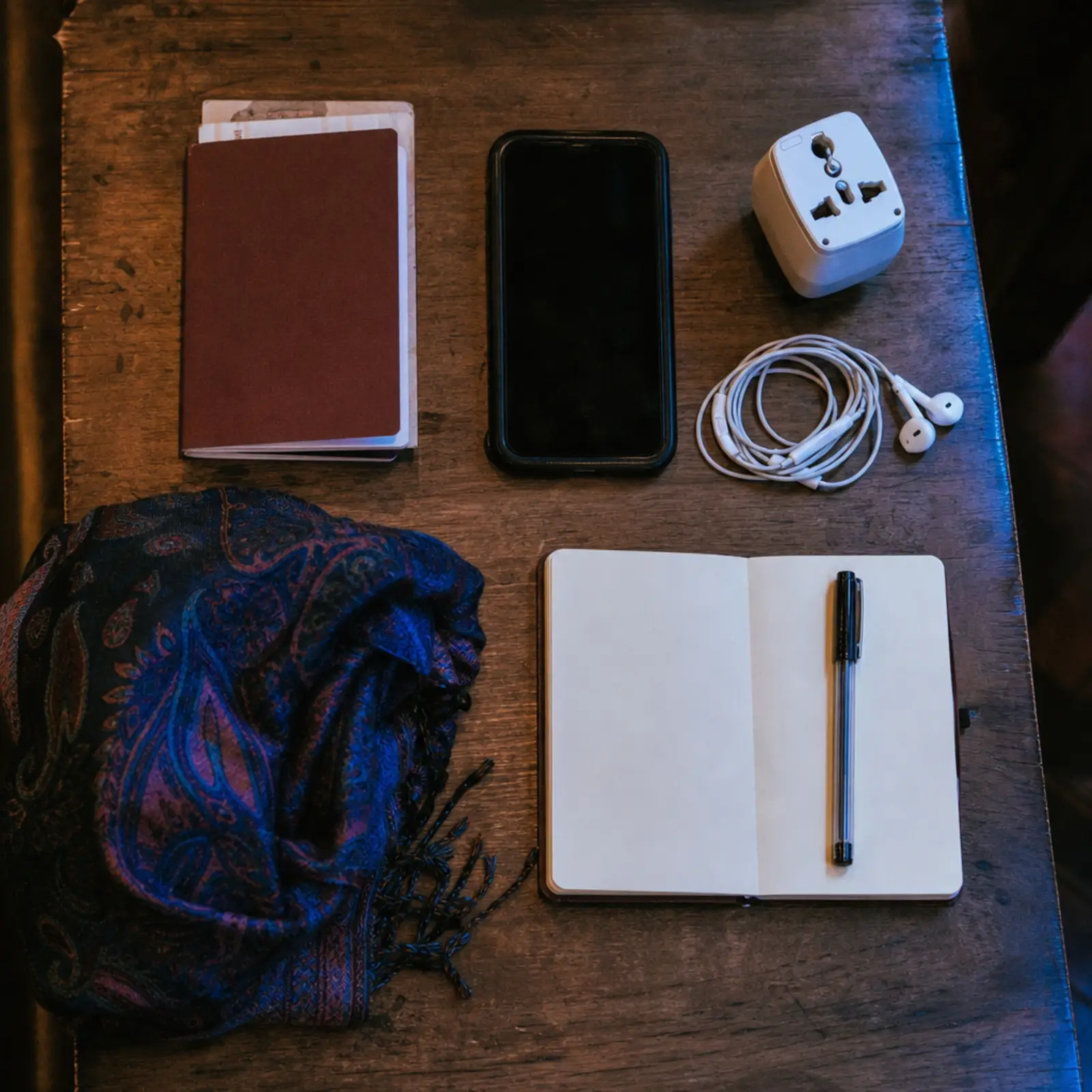
AI-generated: a passport, a phone, a power adapter and a small notebook laid out on a table for travel packingAI image

Plan A and plan B: roaming, eSIM and the sensible backup

In mainland China, the least dramatic way to reach the open internet is not a VPN at all. If your home mobile plan offers roaming that routes your data back through your home network, your traffic leaves China through the operator's gateway and skips the local filter. Some travel eSIMs with an overseas gateway behave similarly, and Comparitech notes that a foreign eSIM reaches the open internet without a VPN. It is not a perfect solution: it costs money, roaming speeds vary, and you need it installed or activated before you arrive because eSIM providers' sites may be blocked inside China. We are not recommending any specific eSIM here; compare terms yourself.

So the realistic setup for China is plan A, roaming or an overseas-gateway eSIM, plus plan B, a VPN installed and tested at home, plus a backup VPN. For most other countries the order reverses: plan A is a local SIM or eSIM for cheap data, plan B is a VPN for sketchy WiFi.

One last sentence on law and ethics. We do not tell anyone to break a country's rules. We tell you what the rules are as far as we can verify them, what the realistic risks are, and what the alternatives are. The decision is yours, and the rules are those of the country you are standing in.

Frequently asked questions

Do I need a VPN for travel in Asia?

It depends on where. For mainland China, you need some way around the national filter if you want Google, WhatsApp or Instagram, and a VPN is one option. For most other countries it is a sensible extra on public WiFi, not a requirement.

What is the best VPN for China?

There is no VPN that is guaranteed to work in China. Review sites commonly name NordVPN, Surfshark and ExpressVPN among the more reliable ones, and all of them can fail on a given day. Install before you travel, test, carry a backup, and consider roaming or an overseas-gateway eSIM as plan A.

Is a VPN legal in Asia?

It varies, and we are not giving legal advice. Mainland China treats unapproved VPNs as unlawful on paper, while enforcement has mostly targeted sellers and residents. Hong Kong, Macau, Taiwan, Japan and South Korea are described as permitting VPNs. For other countries, check official sources close to your travel date.

Can I download a VPN after I land in China?

Often not. Provider websites and some app stores are blocked or limited inside mainland China. Install the app, sign in and test it at home before departure.

Will a VPN protect me on hotel and airport WiFi?

It adds a useful layer by encrypting traffic between your device and the provider, which makes it harder for others on the network to snoop. It does not stop phishing, malware you install yourself, or tracking by the apps you log into.

Do I need a VPN in Vietnam?

Not for most things. Facebook and most Google services work for visitors. Telegram was ordered blocked in May 2025 and access has been patchy since. A VPN is also a reasonable layer on public WiFi. We are not aware of a ban on private VPN use, which is not the same as a legal opinion.

Is a free VPN good enough for a trip?

We would not rely on one. Free services have to be paid for somehow, often with data or ads, and they are commonly slow and blocked quickly in restrictive countries.

What if my VPN stops working abroad?

Switch protocol or server type in the app, try mobile data instead of hotel WiFi, switch to your backup VPN, and use roaming or an eSIM as the fallback. Contact support, but do not expect an instant fix in a heavily filtered country.

Continue the journey

Keep exploring

Affiliate links: we earn a commission if you sign up through our links.